Anúncios
If you’re currently struggling with a slow phone, you’re not alone.
We all rely heavily on our smartphones, for work, communication, entertainment, and everything in between. But over time, even the most powerful devices can begin to feel sluggish.
Anúncios
A slow phone can make even simple tasks frustrating, like opening apps, sending messages, or browsing the web. Fortunately, there are practical and effective ways to bring your device back to life.
Anúncios
In this guide, you’ll discover 10 proven tips to fix a slow phone and optimize performance, whether you’re using Android or iOS.
1. Restart Your Phone Regularly
It sounds basic, but restarting your phone can do wonders. A reboot clears temporary files, resets background processes, and frees up RAM. If you’re noticing your slow phone acting up, try turning it off and back on, especially if it’s been on for several days straight.
2. Uninstall Unused Apps
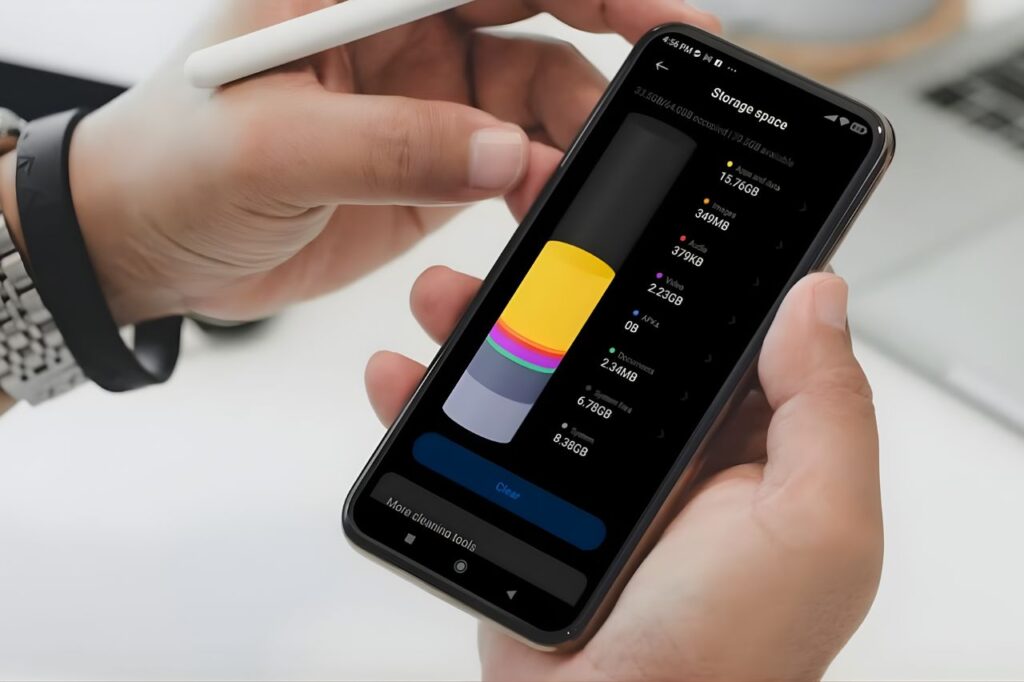
Old and unused apps often run background processes or take up valuable storage space. Go through your app list and remove anything you haven’t used in weeks. A lighter app load can make a big difference on a slow phone, particularly if storage is near capacity.
3. Clear Cache and Junk Files
Apps like browsers, social media, and messaging platforms build up cache data over time. This clutter slows down processing speed. On Android, go to Settings > Storage > Cached Data to clear it. For iPhones, deleting and reinstalling the app is often the best way to clear cache. Regular cleaning can noticeably improve a slow phone.
4. Update Your Operating System and Apps
Running outdated software can cause performance issues and leave your device vulnerable to bugs. Always keep your operating system and apps updated to their latest versions. Updates often include performance optimizations that can speed up a slow phone and fix known lags.
5. Limit Background Processes
Many apps continue to run in the background, even when you’re not using them. These processes consume RAM and CPU power. Disable background activity for non-essential apps and turn off auto-sync for apps you don’t need constantly updating. This simple step can greatly improve a slow phone.
6. Free Up Storage Space
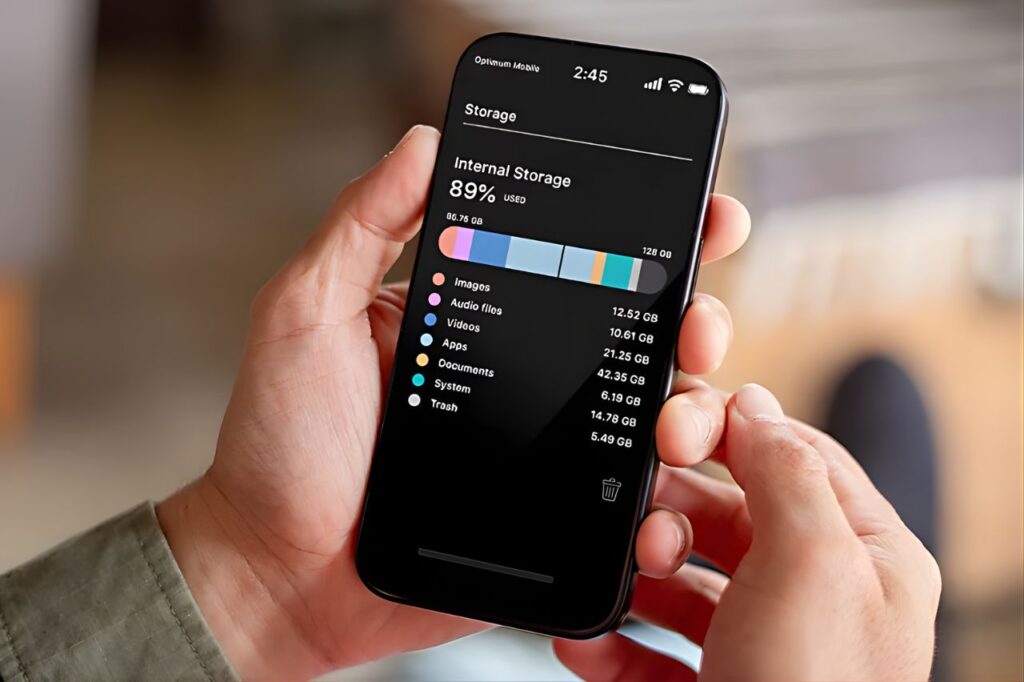
Your phone needs free storage space to function smoothly. A nearly full device will almost always run slower. Delete large videos, duplicate photos, and unused files. Consider using cloud services like Google Photos or iCloud to offload media. Keeping 20% of your storage free is a good rule to avoid a slow phone.
7. Reduce Visual Effects and Animations
Animations and visual transitions, while aesthetically pleasing, can strain older or mid-range devices. On Android, go to Developer Options and reduce or turn off animation scales. On iOS, go to Settings > Accessibility > Motion and enable “Reduce Motion.” This can make a slow phone feel snappier instantly.
8. Scan for Malware and Unwanted Apps
Sometimes, your slow phone is the result of malware, adware, or poorly optimized apps hogging system resources. Use a trusted antivirus app to scan your device. Removing harmful or suspicious apps can make a significant difference in speed and security.
9. Reset App Preferences
If your phone starts acting weird or slow after installing several apps, resetting app preferences can help. It reverts all app defaults, permissions, and restrictions without deleting data. On Android, this can be done via Settings > Apps > Reset App Preferences. It’s a low-risk fix for many slow phone issues.
10. Perform a Factory Reset (Last Resort)
When all else fails and your slow phone continues to struggle, a factory reset may be the best solution. This wipes everything and returns the phone to its original state. Always back up your data first. Post-reset, many users report their phones performing like new again.
Bonus Tips to Prevent a Slow Phone
Once you’ve restored your device’s performance, here are a few preventive habits to avoid future slowdowns:
- Avoid installing too many apps
- Regularly clean your download folder
- Don’t ignore software updates
- Use “Lite” versions of apps if available
- Restart your phone at least once a week
- Limit the use of live wallpapers and widgets
By adopting these habits, you’ll keep your phone healthy and reduce the chances of dealing with another slow phone situation in the near future.
Signs That You’re Dealing with a Slow Phone
- Not sure if your performance issues are temporary or ongoing? Here are common signs of a slow phone:
- Apps open slowly or crash frequently
- The keyboard lags while typing
- Delayed notifications
- Overheating with light use
- Web pages take forever to load
- Camera opens sluggishly
- Long wait times between screen taps and responses
If you’re experiencing several of these symptoms, it’s time to follow the steps above and bring your phone back to life.
Final Thoughts
A slow phone doesn’t always mean it’s time for an upgrade. Often, a few small changes can make a big impact. From clearing cache and uninstalling unused apps to limiting background processes and updating your system, these tips are designed to restore speed and extend the life of your device.
If your slow phone has been causing daily frustration, take a few minutes to apply these solutions. You’ll likely see improvements within minutes. And the best part? Most of these fixes are free and require no special tools or tech skills.
So don’t give up on your slow phone just yet, with the right care, it can still serve you well for years to come.